

How to Add Slides (Dividers Between Clips)
Last updated July 21, 2026
You can split your video story into sections by adding slides between clips. These function as dividers, and they're a great way to introduce sections, highlight themes, or transition to new topics.
You can also use a slide to 'tee up' the content in the following video clip in Q&A - style videos, writing a question on a slide that is answered in the clip that follows it.
Add a Slide
- Open your story.
- Click Add Slides.

- Choose if you want to add one or multiple slides.
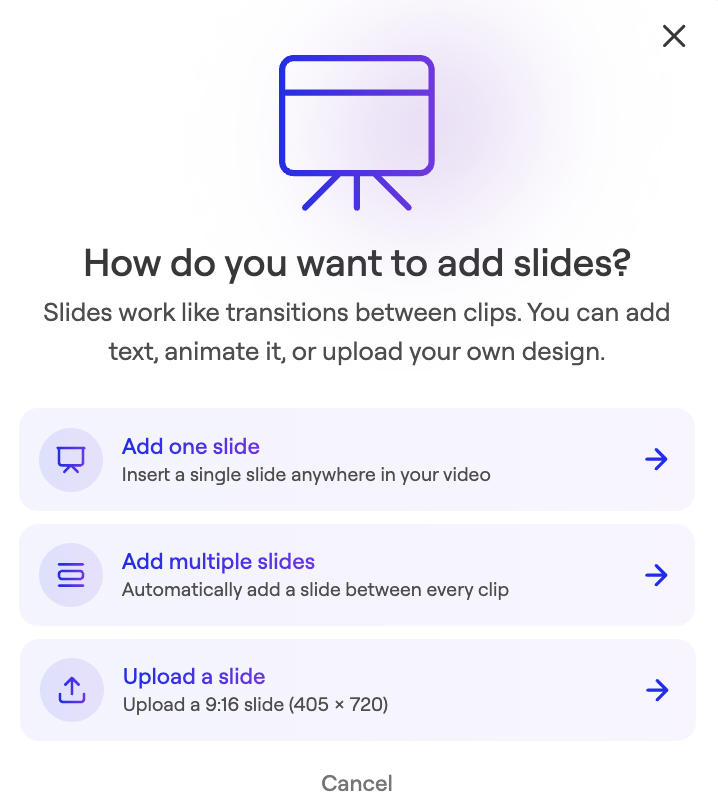
- Click Edit text.

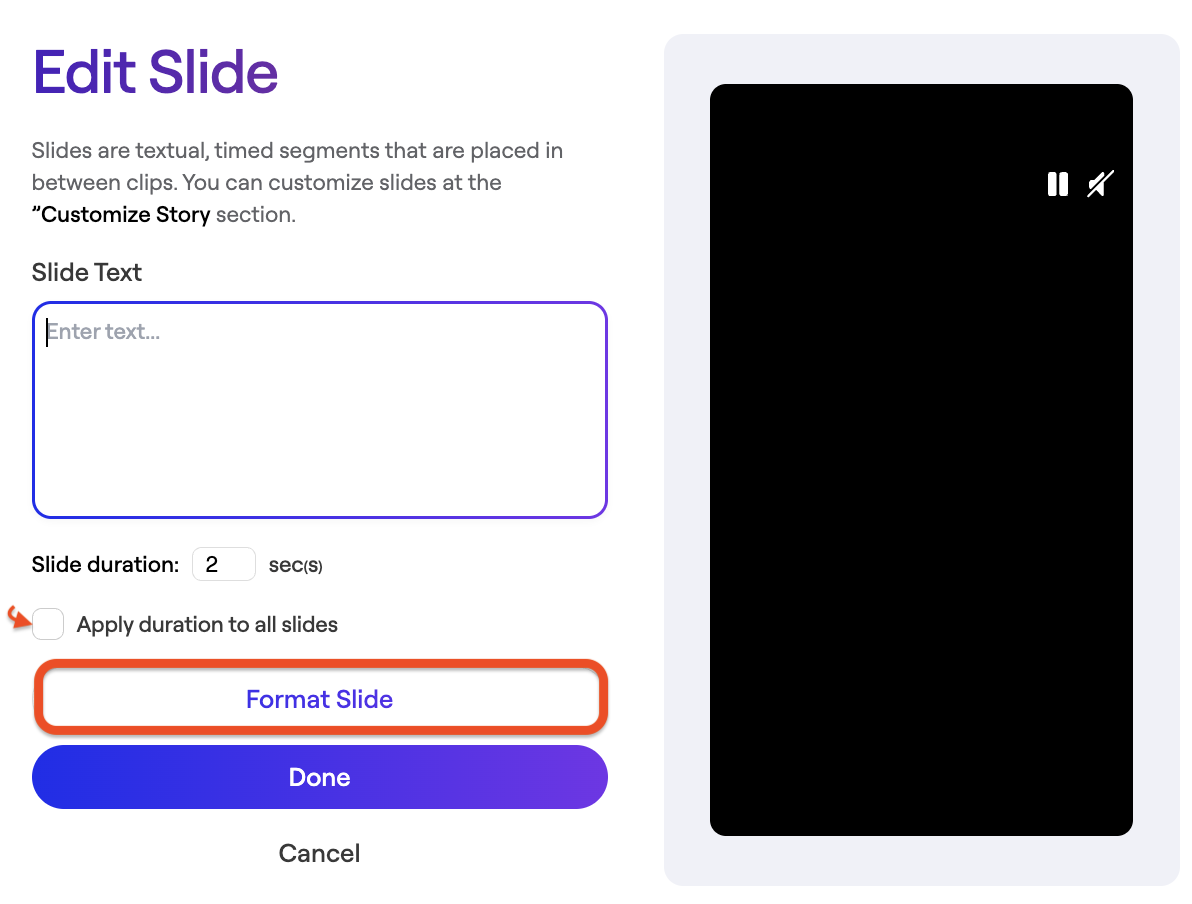
- Enter Text or click Format Slide to edit design.
- Edit design
You can change the slide background, text color, font size, and text animation:
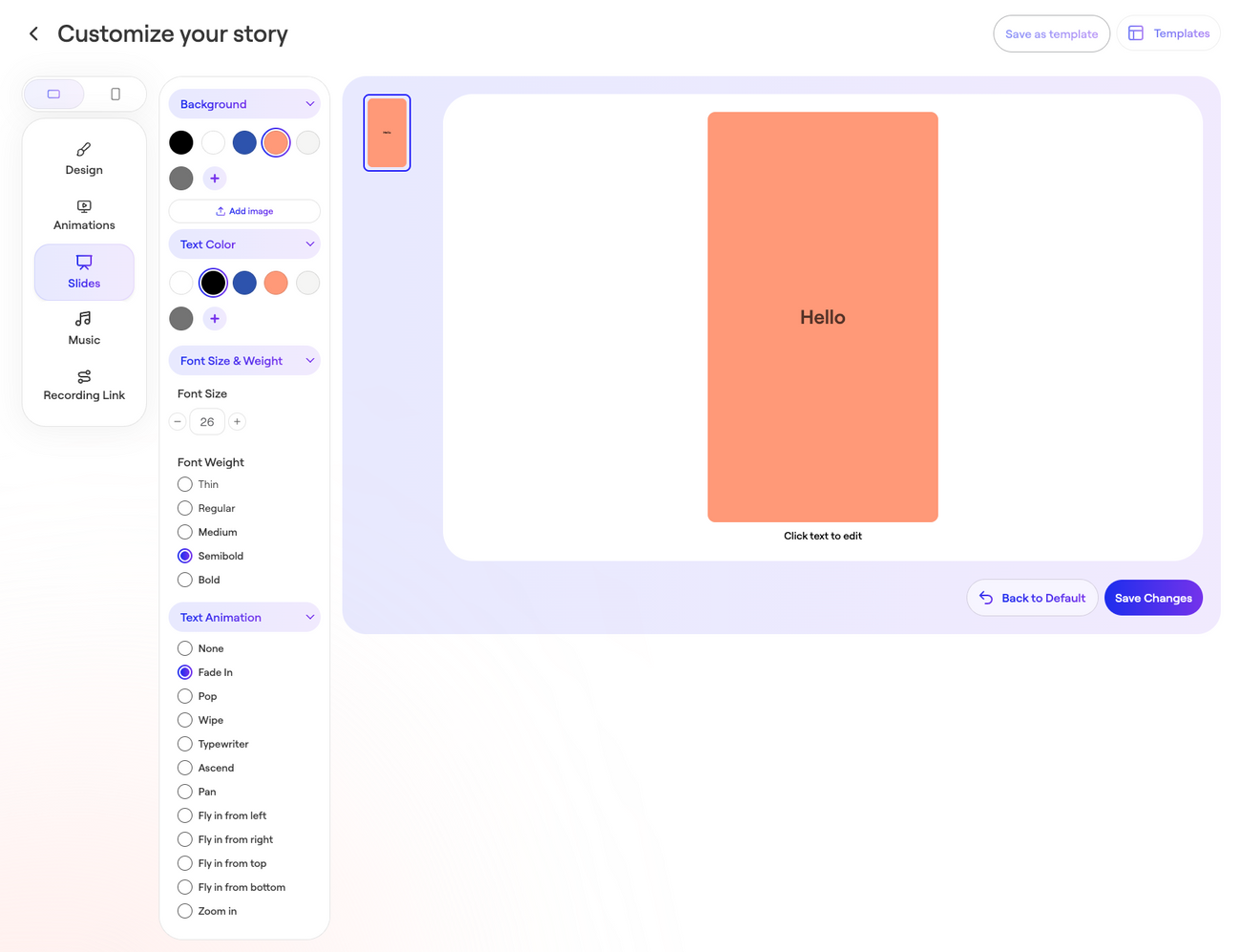
- Save Changes.
Was this article helpful?