
Okta User Management
Last updated July 21, 2026
Because the majority Spokn customers are in hypergrowth, most are looking for a convenient way to keep their user lists automatically updated. This guide walks Okta SSO users through the process of using event hooks to automatically create employee accounts when a new hire joins your company, and disconnect them when they leave.
Connecting Users
In this tutorial we are going to create an Event Hook in Okta to automatically connect users when they are created.
- Request your company API key from Spokn. Please contact Galal ( galal@getspokn.com ) for assistance.
- Open the following URL: https://{Your Company Domain}.okta.com/admin/workflow/eventhooks
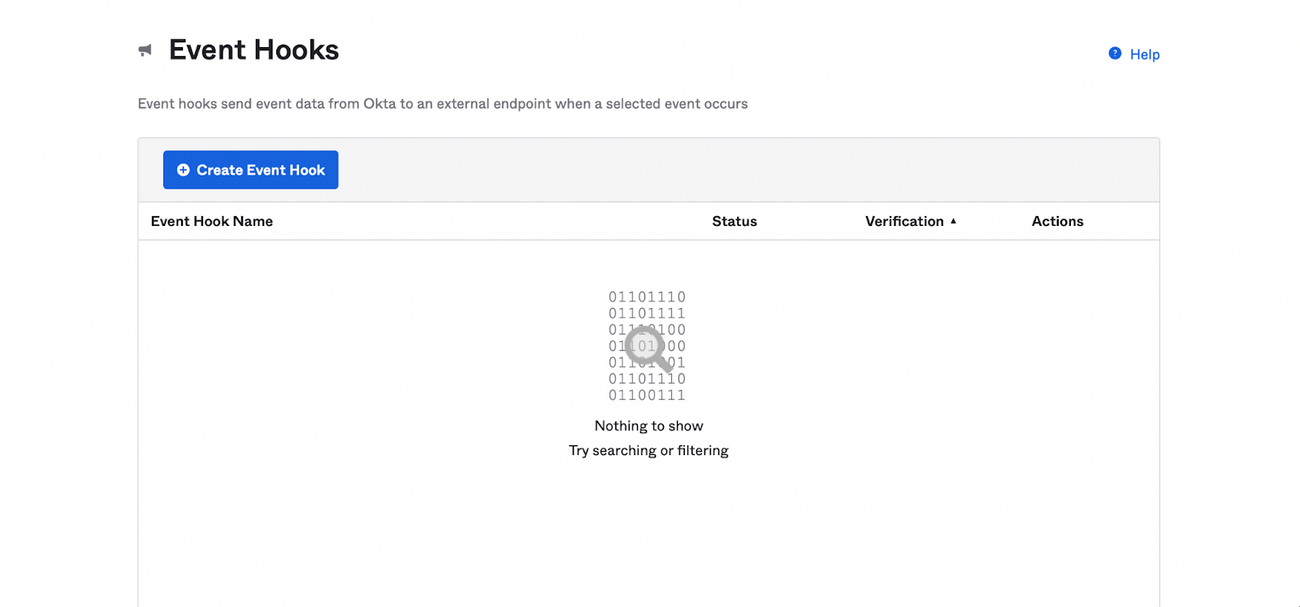
- Click on <Create Event Hook>. Enter the information listed below as shown in the image.
- Name => User Connection
- URL => https://api.spokn.app/company/hooks/connect/user
- Authentication field => key
- In “Authentication secret'' add the company API key you obtained from Spokn (please contact Galal ( galal@getspokn.com ) if you need the key)
- Subscribe to event => User assigned to app.
- Click <Save & Continue>
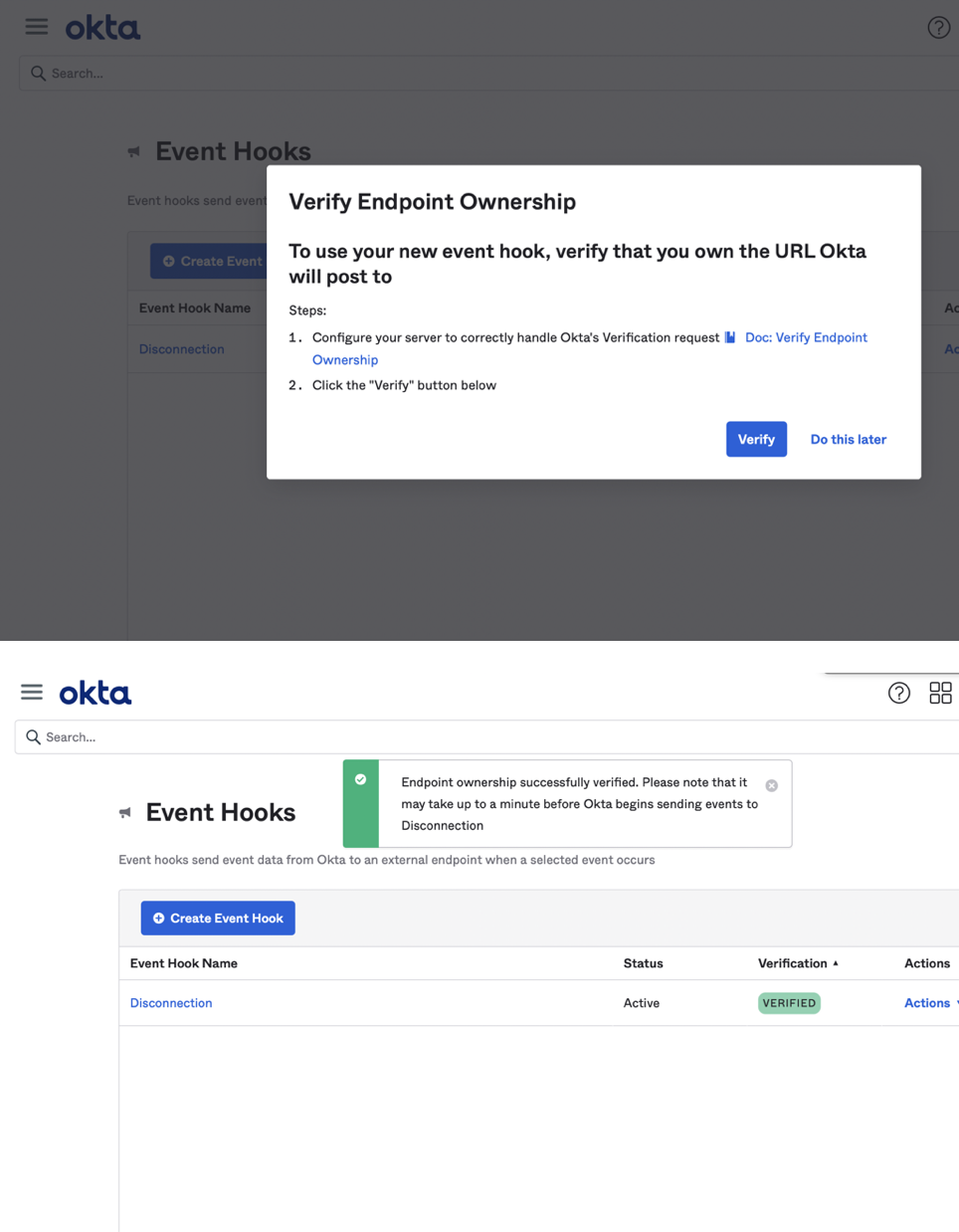
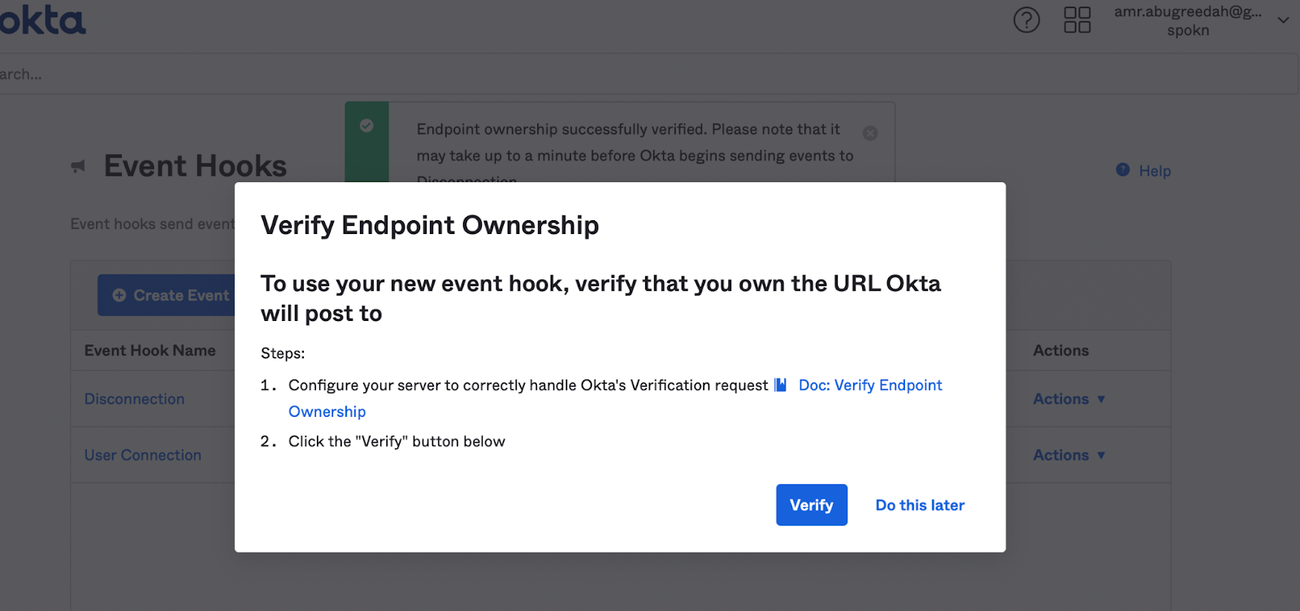
- Verify Endpoint Ownership
- Click verify as shown below
Disconnecting Users
In this tutorial we are going to create an Event Hook in Okta to automatically disconnect users when they are deactivated, suspended or deleted (for example, when they leave your company).
1. Request your company API key from Spokn. Please contact Galal ( galal@getspokn.com ) for assistance.
2. Open the following URL: https://{Your Company Domain}.okta.com/admin/workflow/eventhooks
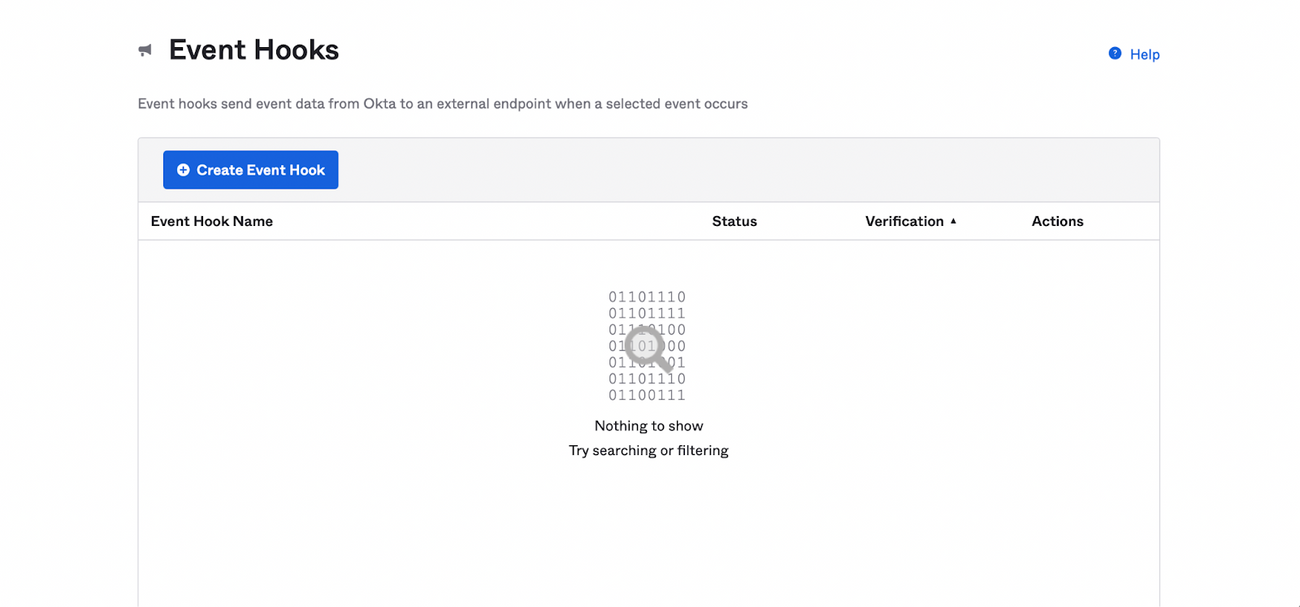
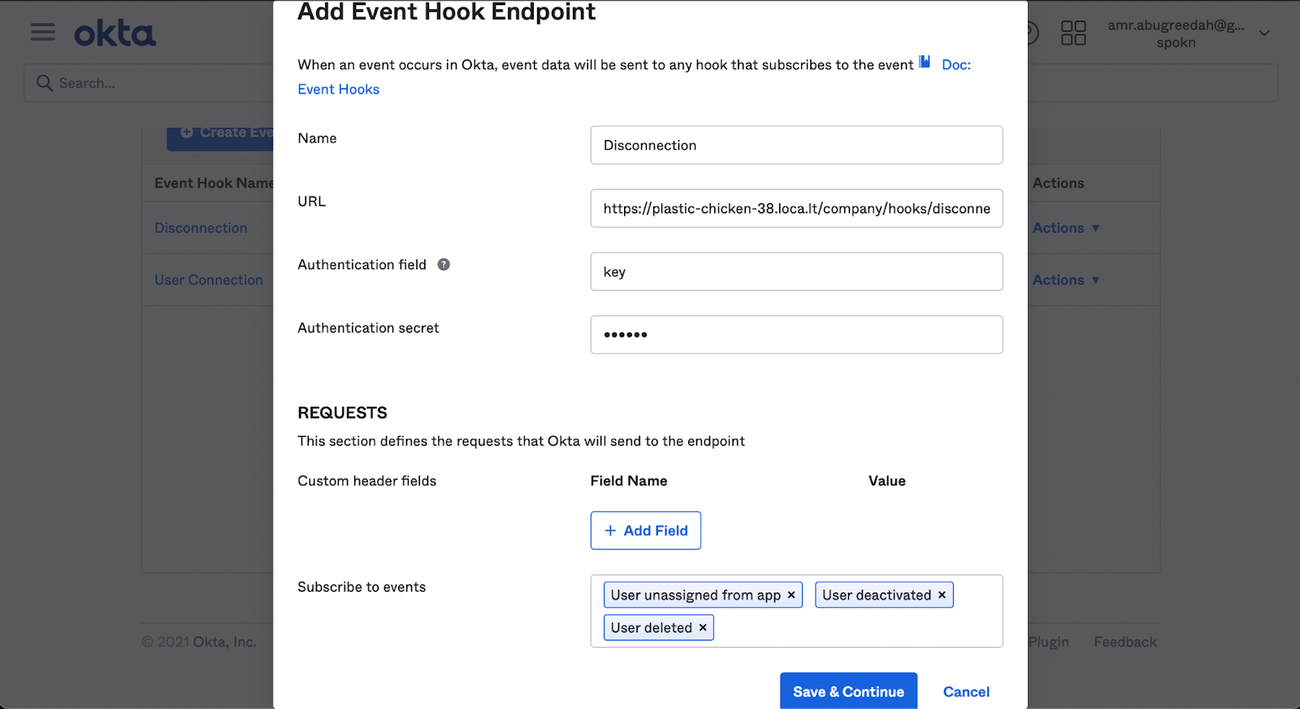
- Click on <Create Event Hook>: Enter the information listed below as shown in the image.
- Name => Disconnection
- URL => https://api.spokn.app/company/hooks/disconnect/user
- Authentication field => key
- In “Authentication secret'' add the company API key you obtained from Spokn (please contact Galal ( galal@getspokn.com ) if you need the key)
- Subscribe to events => User unassigned from app, User deactivated and User deleted.
- Click Save & Continue
- Verify Endpoint Ownership
- Click verify as shown below