

How to Trim Clips in Your Story
Last updated July 21, 2026
Overview
Once clips are submitted, you can refine your story by trimming footage, splitting clips, and adjusting the order.
Trim a Clip
Use trimming to remove extra footage at the beginning or end of the clip. To remove content from the middle of the clip, use the Magic Editor.
- Open your story.
- Click the Edit Clip icon next to the clip you want to edit.
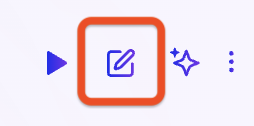
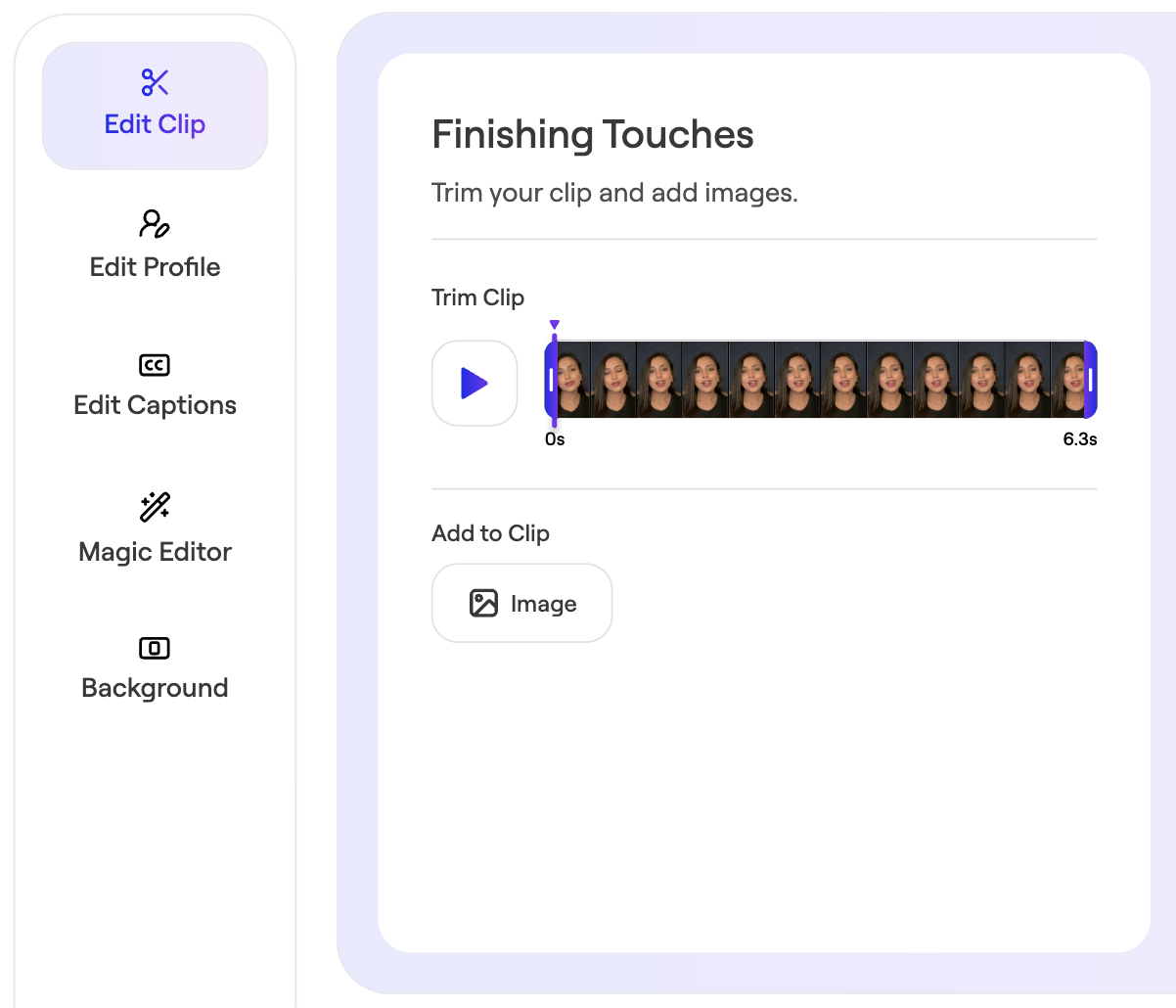
- Navigate to Edit Clip
- Drag the trim handles to adjust the start or end.
- Save changes.
Was this article helpful?