

How to Contact Spokn Support?
Last updated July 31, 2026
Contact Us via Live Chat
The fastest way to get support is through our live chat. When you reach out, you'll connect directly with a real member of our team — not a bot.
How to access live chat:
From the Spokn platform:
- Log in to your Spokn account.
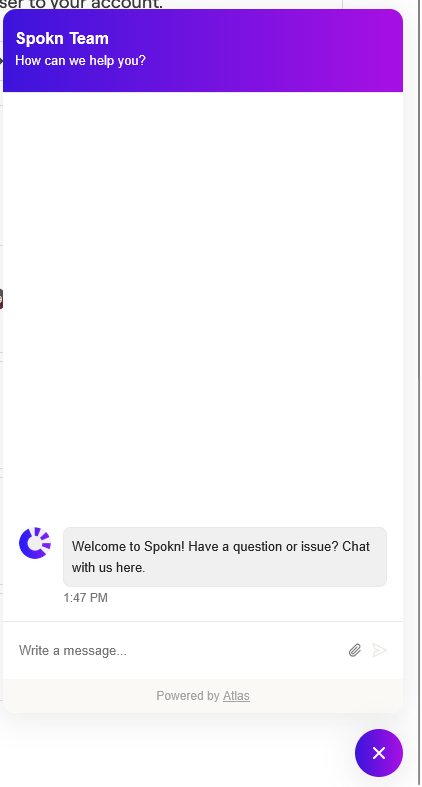
- Look for the purple chat bubble in the bottom-right corner of your screen.
- Click the bubble to open the chat window.

- Type your message and send — a member of our team will respond as soon as possible.
From the Help Center (Atlas):
- Visit the Help Center.
- Click the purple chat bubble in the bottom-right corner.
- Start a conversation with our team.
Live chat is monitored regularly, and we aim to respond quickly during business hours.
Contact Us via Email
You can also reach us by email at:
When emailing support, please include:
- A brief description of your question or issue
- The workspace name (if applicable)
- Screenshots or screen recordings (if helpful)
Providing this information upfront helps us resolve your request faster.
What to Expect
- A response from a real member of the Spokn team
- Clear next steps or troubleshooting guidance
- Follow-up communication if additional details are needed
If your request is urgent, we recommend using live chat for the quickest response.
If you're not sure whether something is a bug, a feature question, or a best-practice question — reach out. We're happy to help.
Was this article helpful?